

In the opinion of some people, Midjourney’s sref styles can be a waste of time. That is, spending time generating random codes (using the –sref random option) and hoping to find something interesting can be seen as a waste.
Or not.
Assuming that generating dozens or hundreds of images is not a problem, either due to our subscription level or any other reason, it is easy to generate images with a common archetype (the classic teapot, a sports car, a landscape, etc.) and see what codes come up randomly.
Once this is done, with a simple glance, we can find styles that may be interesting for our work or hobby.
For this, I recommend using the –s 500 parameter so that the style is neither too forced nor diluted —just the right balance.
Let’s take a prompt, for example:
A FEARLESS HUMAN ON A MACHINE WORLDand build a workflow around it.
We add the following suffix:
--sref random --s 500 --ar 2:3 --repeat 4to construct the complete prompt:
A FEARLESS HUMAN ON A MACHINE WORLD --sref random --s 500 --ar 2:3 --repeat 4Results:
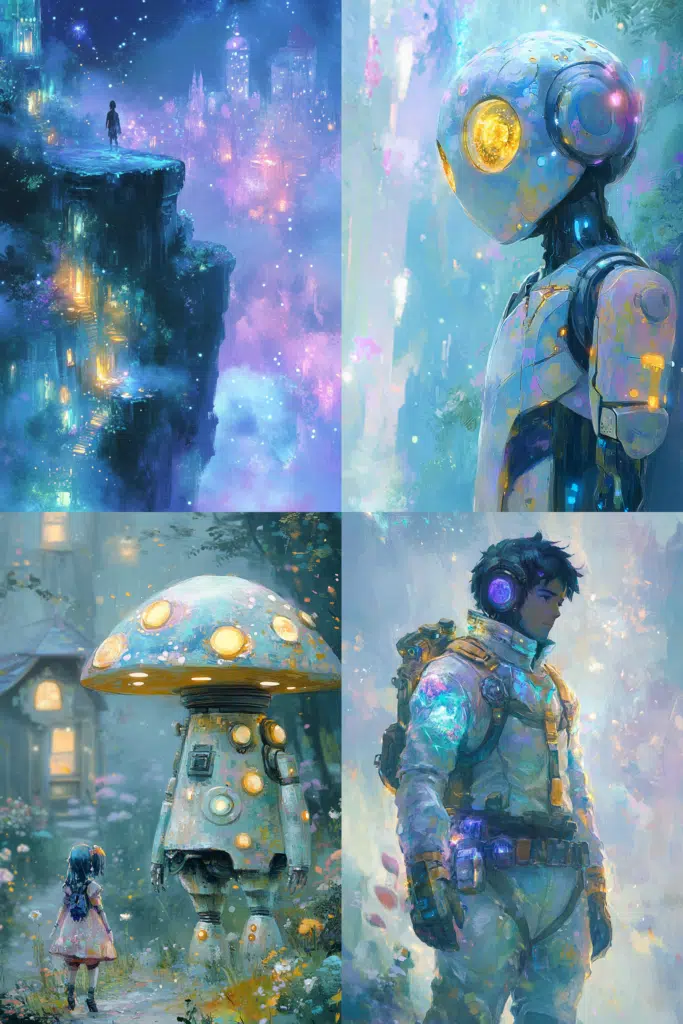
sref 3577804523
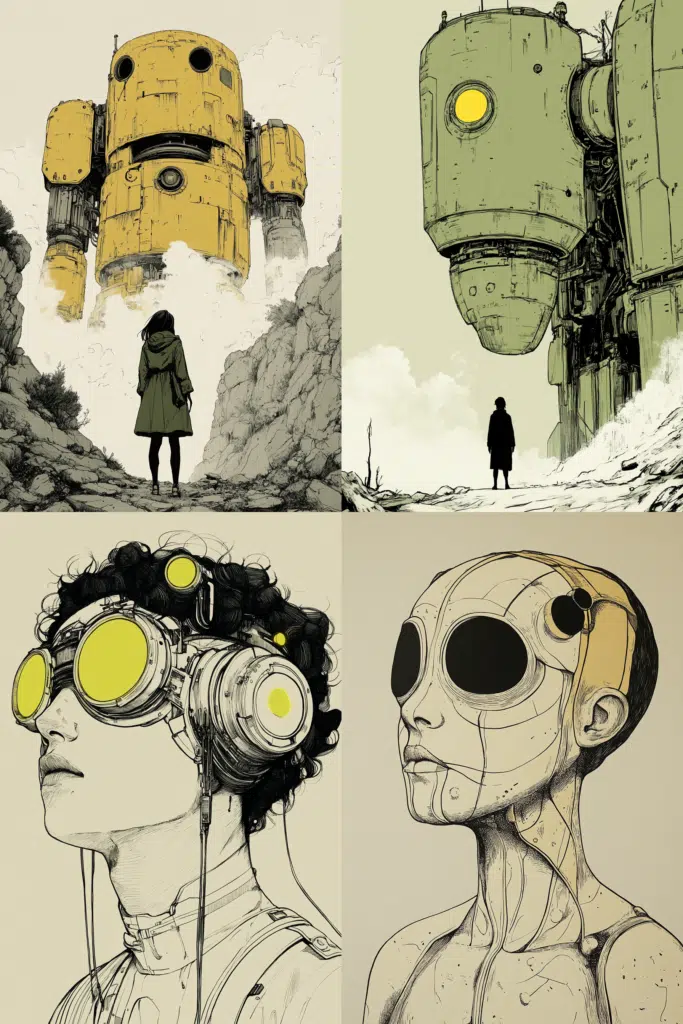
sref 3148595572
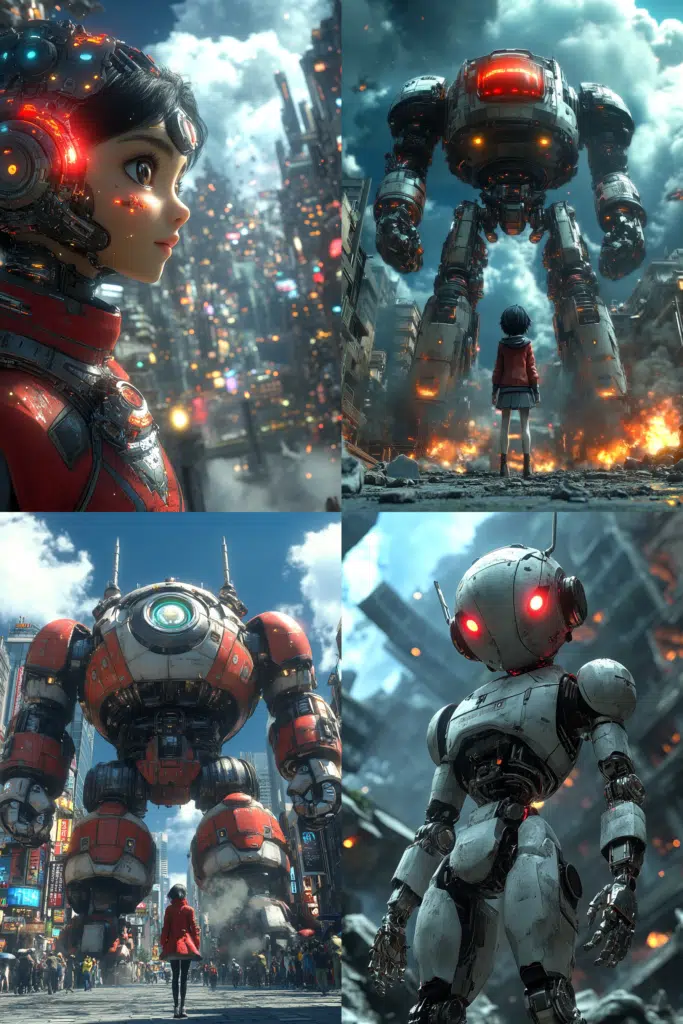
sref 599571464
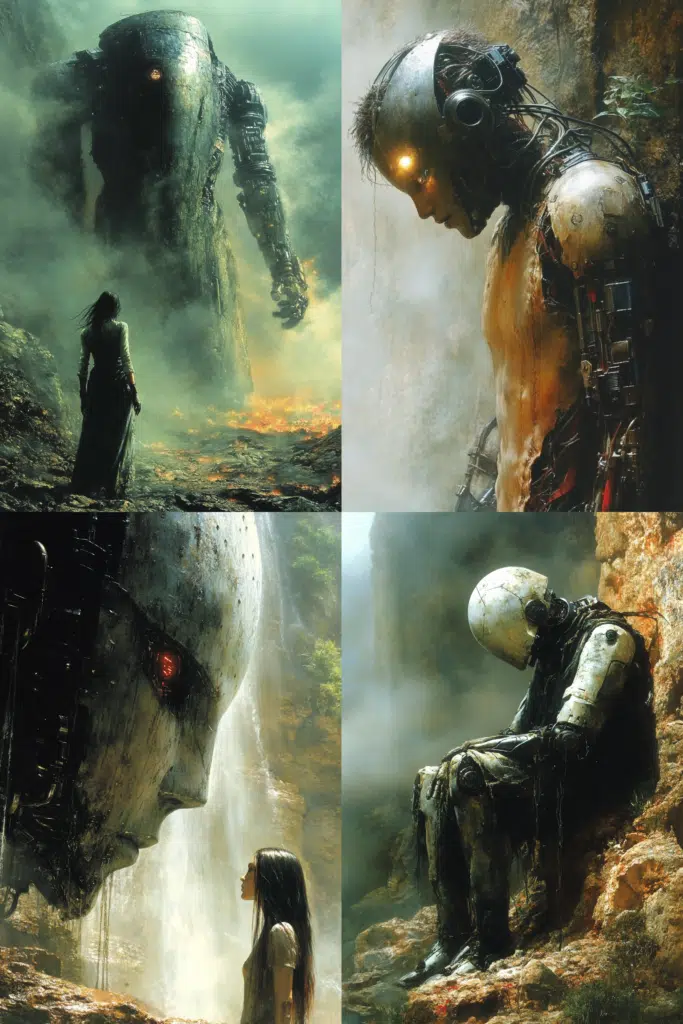
sref 2351022607
The results are very different from each other. Now, let’s say we like the style of image number 3 corresponding to code 599571464, and we want to use it for other occasions.
If the style itself works for us as it is, we can create a preference in Midjourney to have it handy without needing to remember the number:
/prefer option set option:Anime3D value: --sref 599571464This way, we can easily use it in a prompt:
/imagine prompt:Generic city street scene --Anime3D --ar 16:9results:
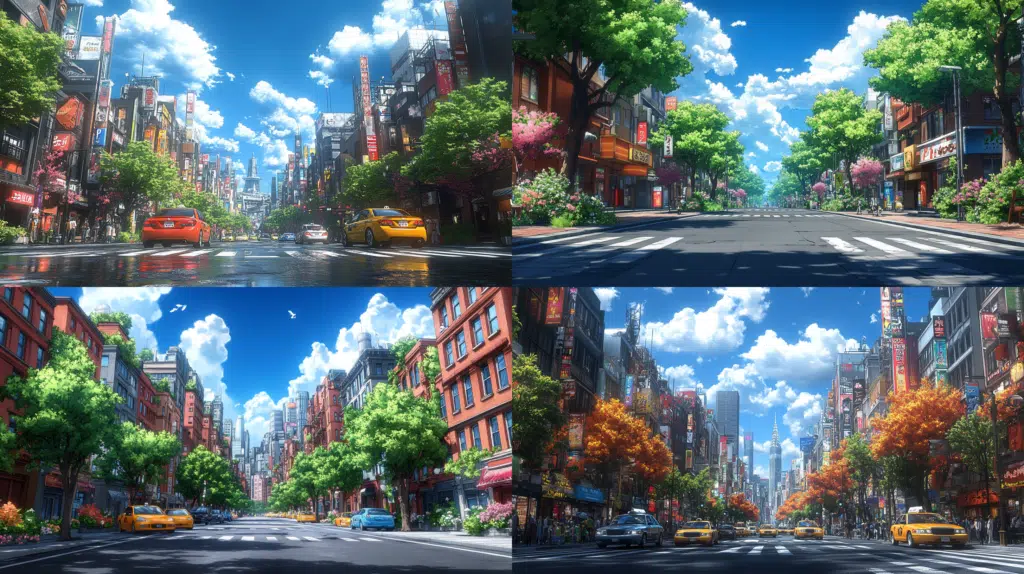
Another example:
/imagine prompt:Generic city street scene --Anime3D --ar 16:9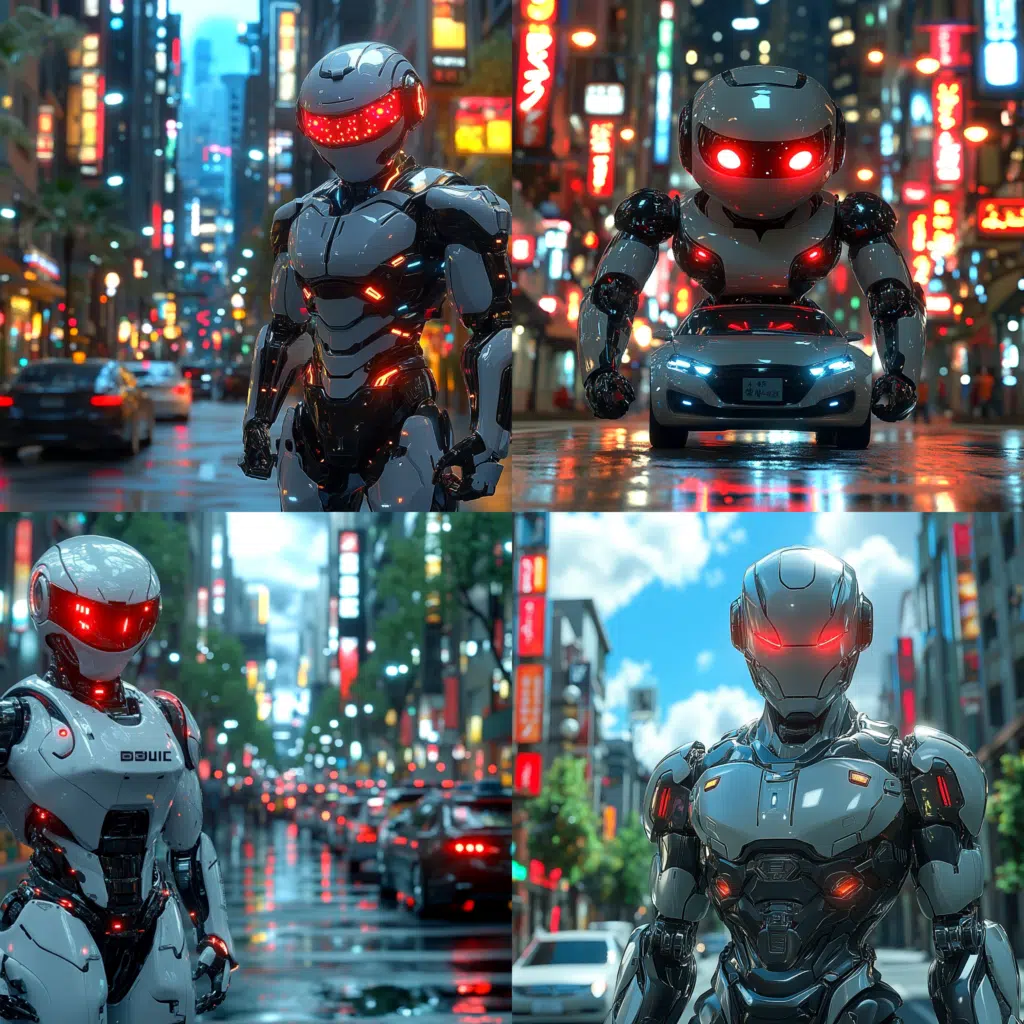
Alright. We want to use a style without relying on its numerical code and also modify it a bit according to our own preferences. How can we do this?
This is where ChatGPT comes in handy.
With ChatGPT-4o, it’s possible to upload an image and have it describe the characteristics of the image. In this case, we want it to give us the style of the image in a way that can be used as a prompt:
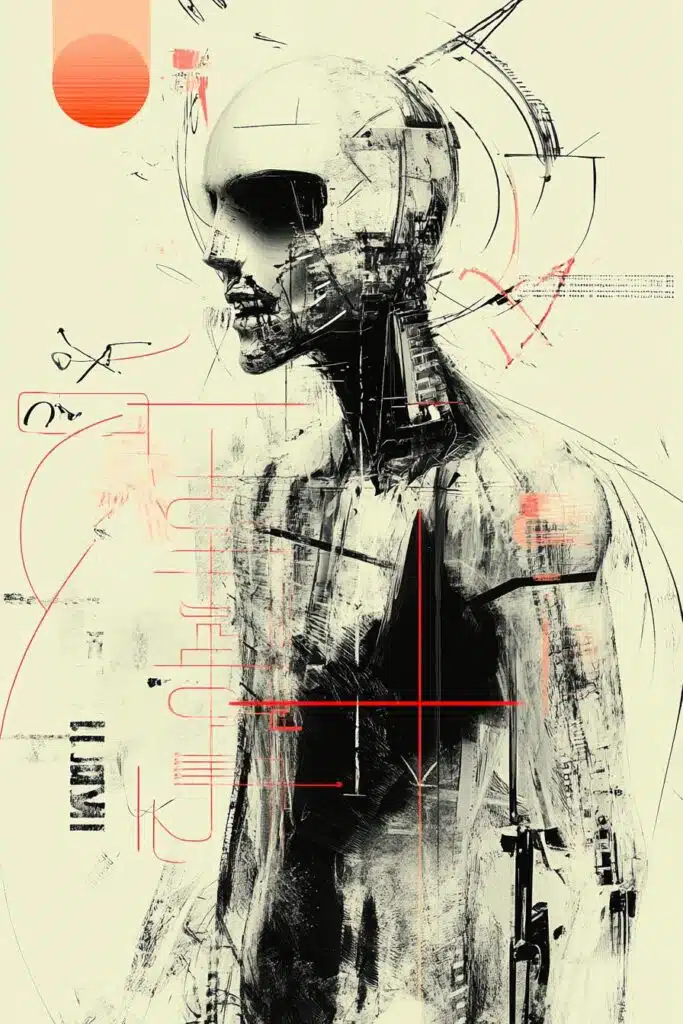
We use this image, corresponding to the sref code 3292542438 combined with the author’s code. We don’t need that now. What we’re looking for is for ChatGPT to identify the style. To do this, we use the image and the following prompt:
Describe the style of this image so that it can be used in Midjourney prompts.the results:
The style of this image can be described as a blend of cyberpunk and abstract art with futuristic elements. Here are some key characteristics you can use in a Midjourney prompt:
- Cyberpunk: The image features a character with robotic or cyborg traits, mixing technological components with human elements. The visual style embodies the cyberpunk aesthetic with a color palette predominantly in white, black, and red details, giving it a futuristic and dystopian feel.
- Abstract and Fragmented: The lines and shapes are abstract, creating a sense of decomposition or digital distortion. Layers of textures and disordered strokes contribute to a chaotic and complex appearance.
- Monochromatic Tones with Color Accents: Most tones are monochromatic (black and white) with bright red details highlighting certain parts of the design, creating strong and striking contrast.
- Technical and Schematic Style: There are elements that resemble technical diagrams or incomplete texts, as if they were fragments of code or electronic data, reinforcing the sense of a digitalized or technologically advanced entity.
You can use something like:
“An abstract cyberpunk style with a monochrome palette and red accents, featuring a fragmented, distorted humanoid figure with robotic elements. The artwork includes technical diagrams and chaotic linework, evoking a futuristic, dystopian atmosphere with a sense of digital disintegration.“
This prompt should effectively capture the style of the image you provided.
We accept the final suggestion and use the following prompt:
A FEARLESS HUMAN ON A MACHINE WORLD, abstract cyberpunk style with a monochrome palette and red accents, featuring a fragmented, distorted humanoid figure with robotic elements. The artwork includes technical diagrams and chaotic linework, evoking a futuristic, dystopian atmosphere with a sense of digital disintegration --ar 2:3The results:
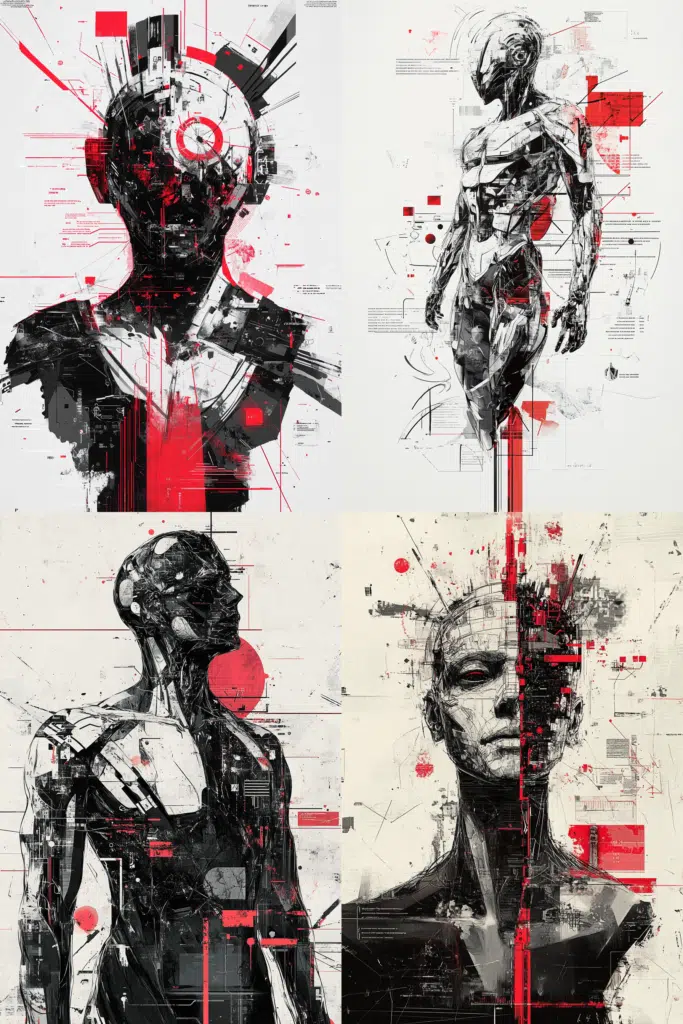
It resembles the original proposed image quite well.
From this point, we can modify the style portion of the prompt to adjust it according to our preferences. For example, instead of red accents, we might choose another color. We can also specify that we want precise line work rather than chaotic. Any change is possible.
A FEARLESS HUMAN ON A MACHINE WORLD, abstract cyberpunk style with a monochrome palette and orange accents, featuring a fragmented, distorted humanoid figure with robotic elements. The artwork includes technical diagrams and precise linework, evoking a futuristic, dystopian atmosphere with a sense of digital disintegration --ar 2:3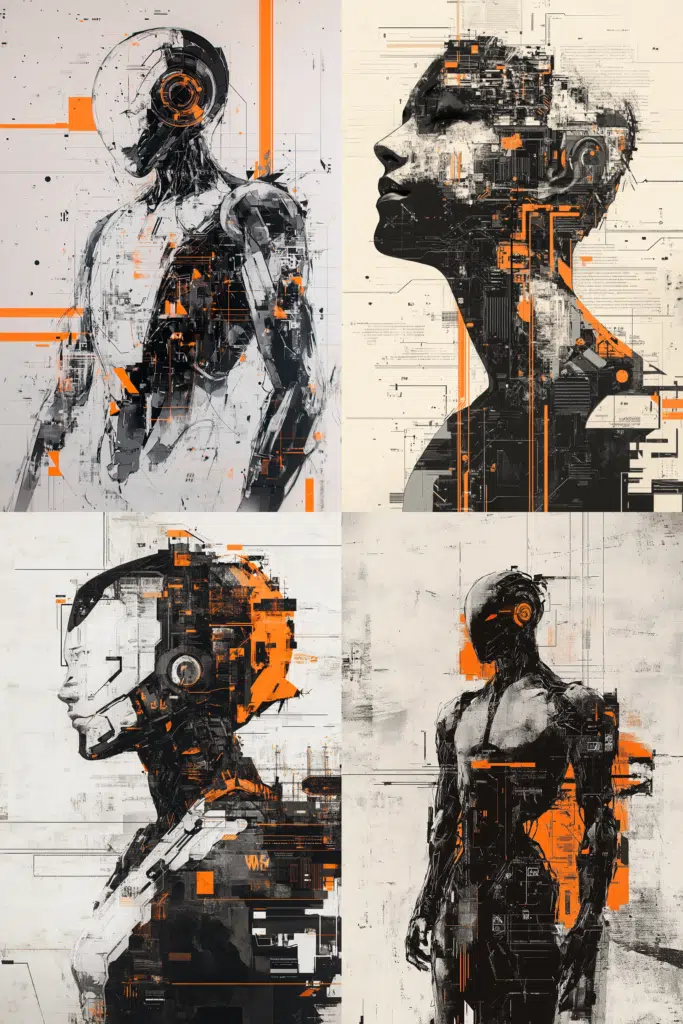
We will make as many changes and adjustments as needed until we reach the desired point. Assuming the last prompt is correct, we now extract the style from the prompt to turn it into a preference so that we don’t have to write or copy/paste such a lengthy description to use it again.
/prefer option set option:Tech1 value:, abstract cyberpunk style with a monochrome palette and orange accents, featuring a fragmented, distorted humanoid figure with robotic elements. The artwork includes technical diagrams and precise linework, evoking a futuristic, dystopian atmosphere with a sense of digital disintegrationUsing it in new prompts is much simpler:
/imagine prompt:Concept character set sheet for Police new uniforms --Tech1 --ar 16:9the prompt expands and generates:
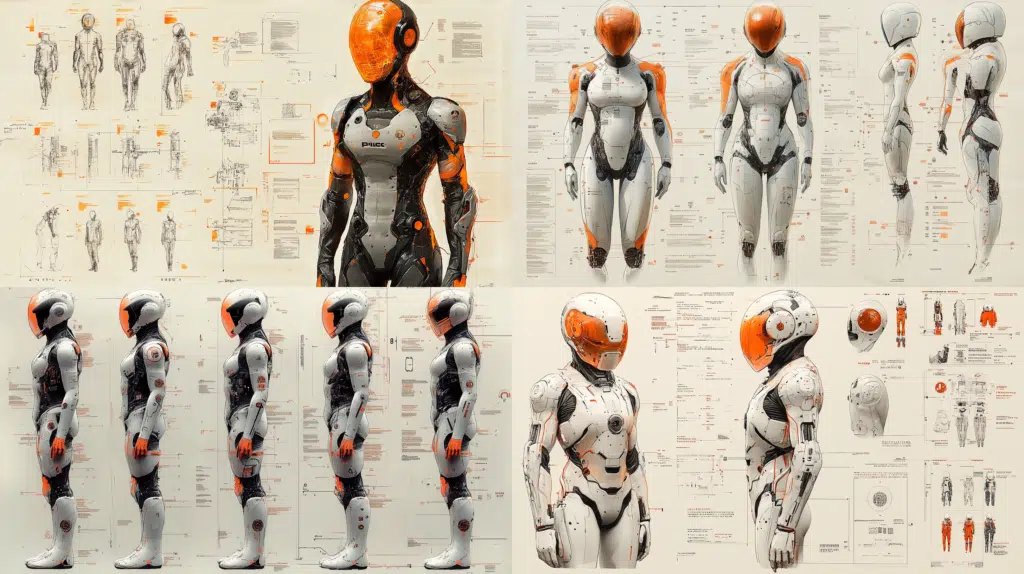
/imagine prompt:A muscle car for police squads --Tech1 --ar 16:9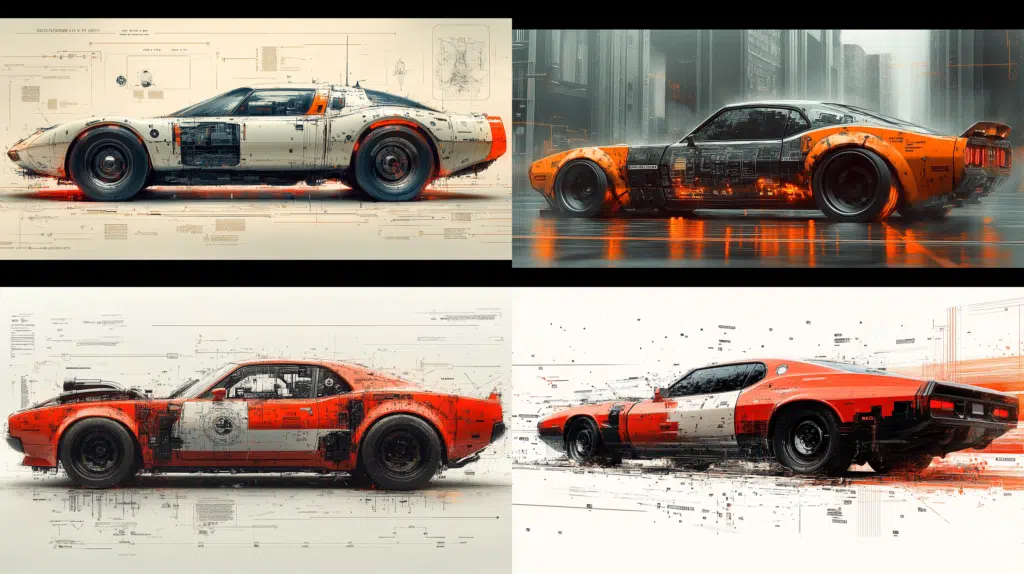
Now you know how to extract the style from any image and leverage its characteristics to create your own customized style. The same technique applies to personal style codes (–p) or any image, whether generated by AI or not. The process only considers the image itself, without accounting for any other factors.

