


In Photoshop, there is a filling format called Pattern. It’s about filling a selection so that the given pattern repeats. Photoshop comes with a few built-in patterns and there’s an option to create our patterns. You can easily make one from a selection and define it as a new pattern. However, getting the pattern to repeat in such a way that the result is a uniform texture or as uniform as possible is not so simple. Photoshop repeats the pattern like a grid, but it doesn’t try to join the sides so it doesn’t look like a mosaic.
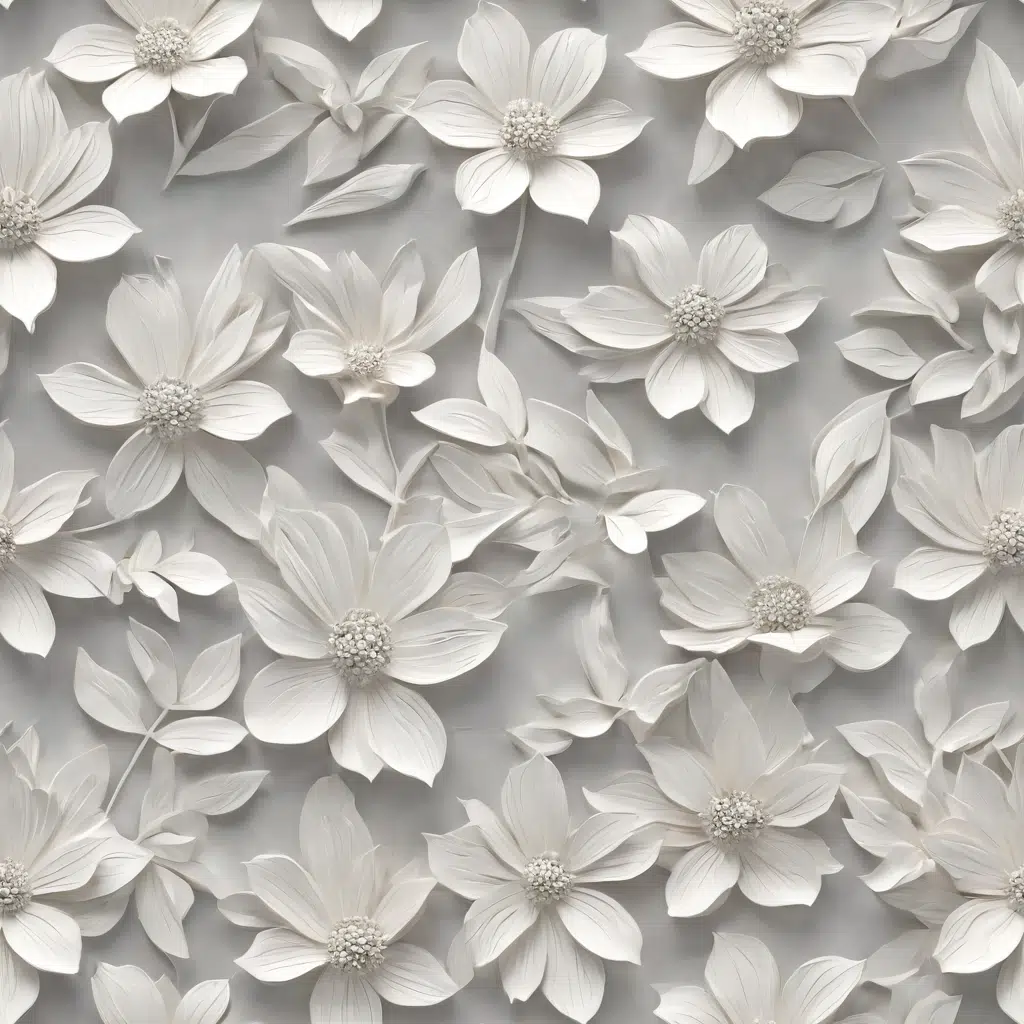
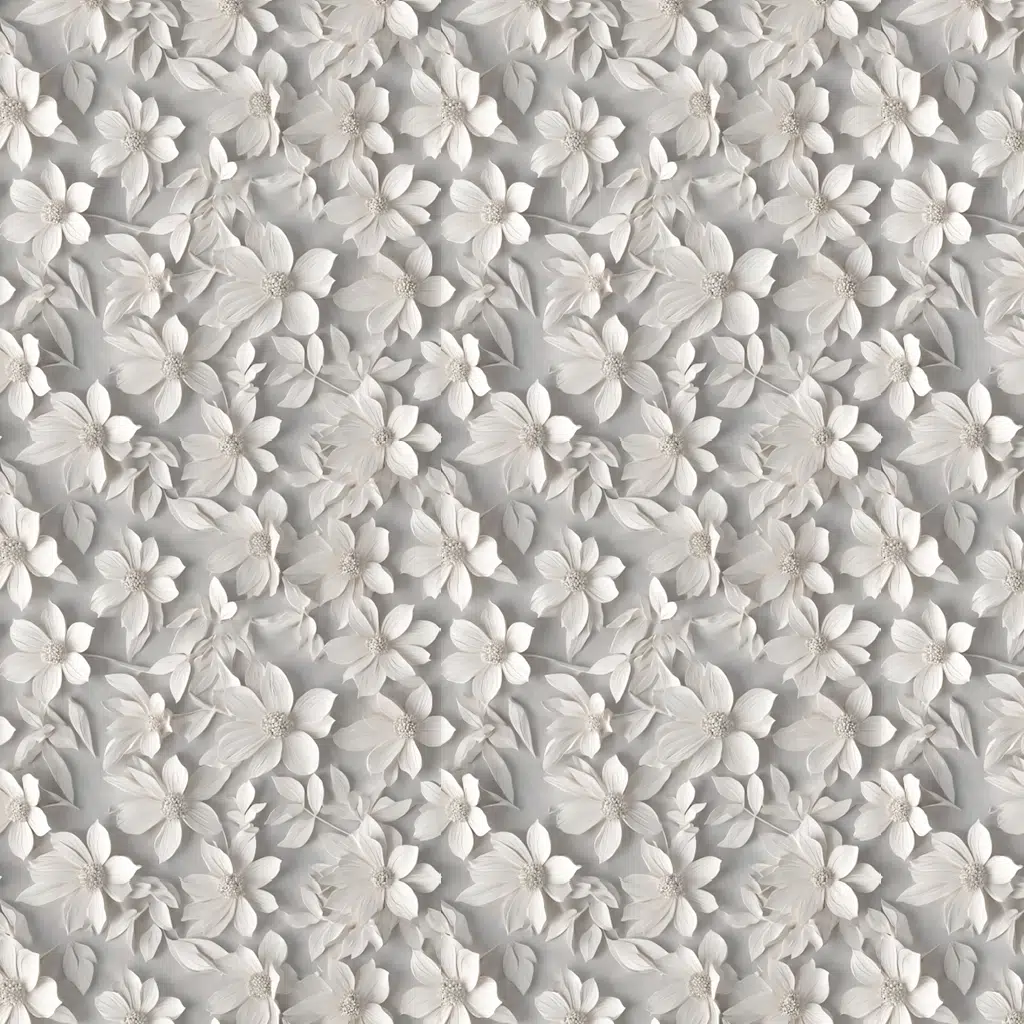
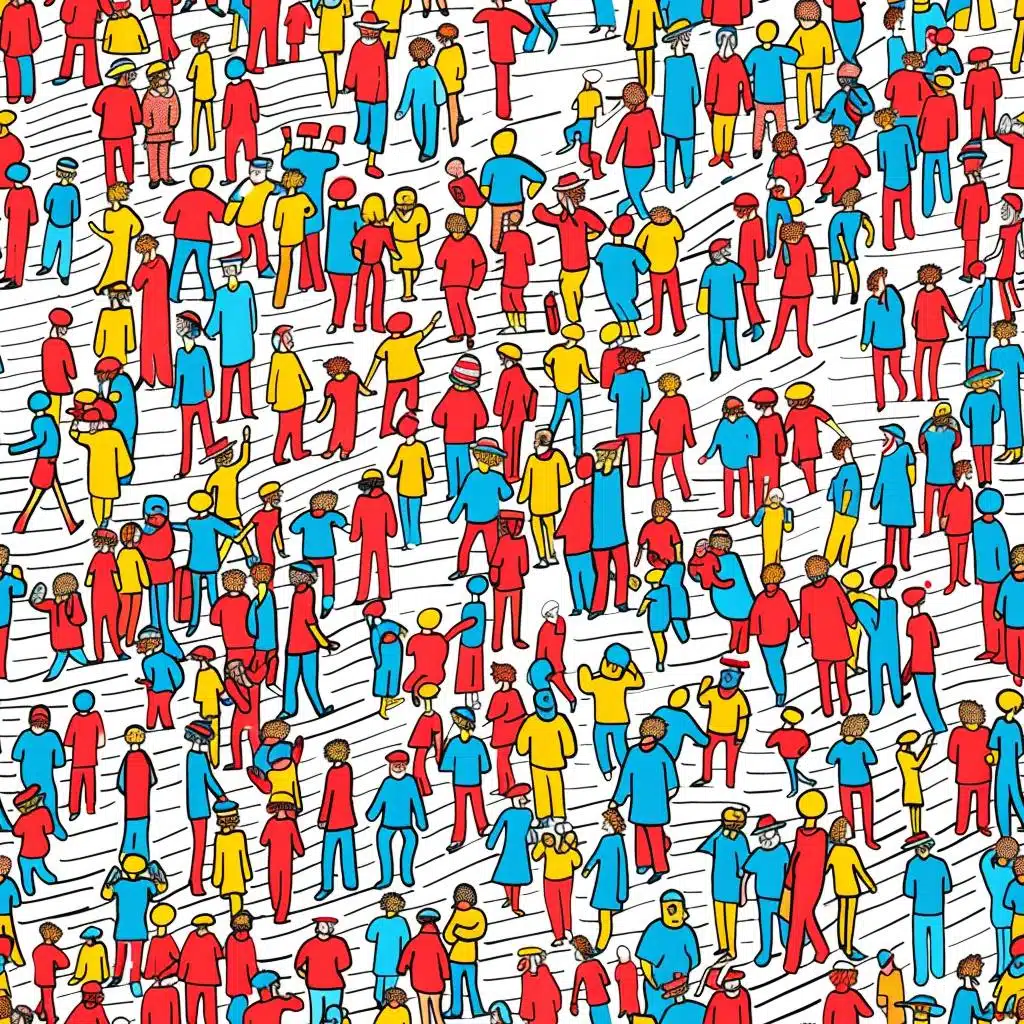
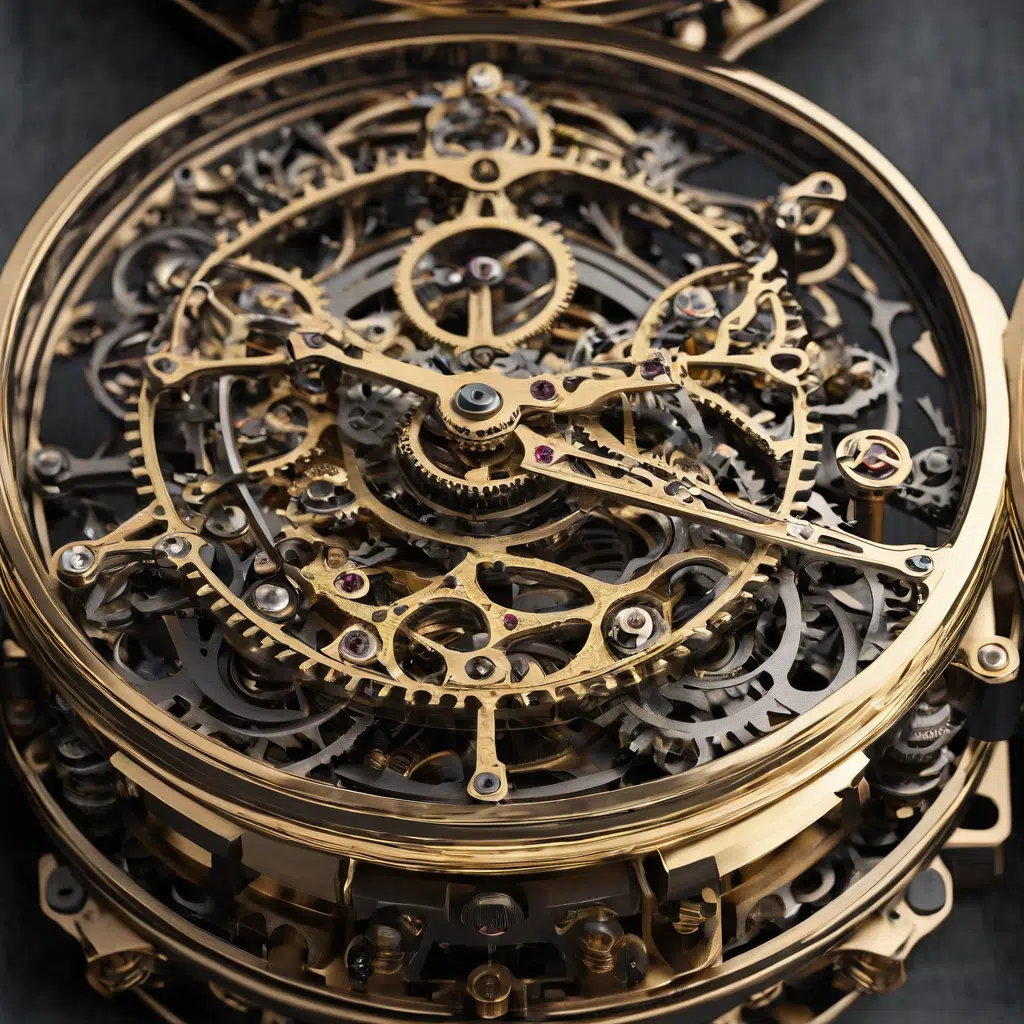
To achieve this effect, there are some plugins. Since we like working with pure AI tools, can we get a perfect mosaic? The answer is yes. With MidJourney, for example, by generating any image and adding the parameter “–tile” to the end of the prompt description:
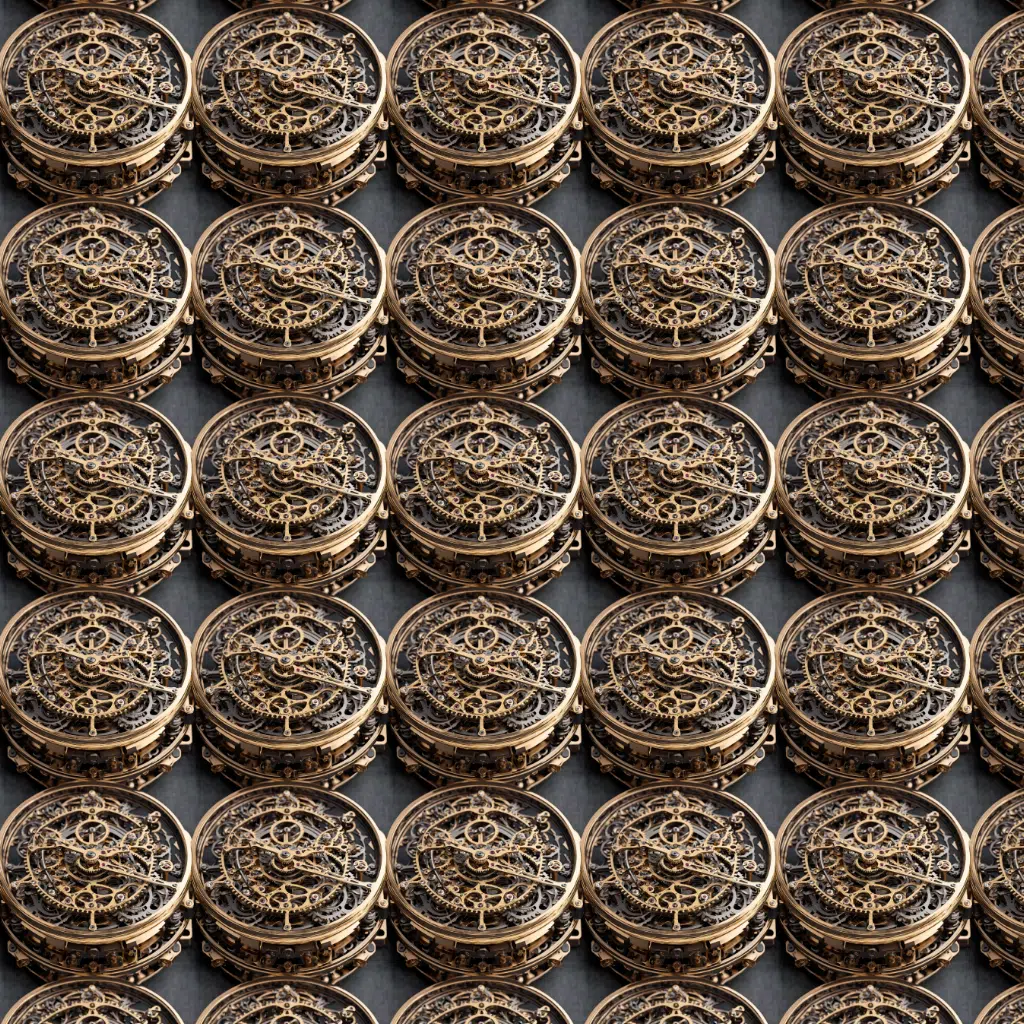
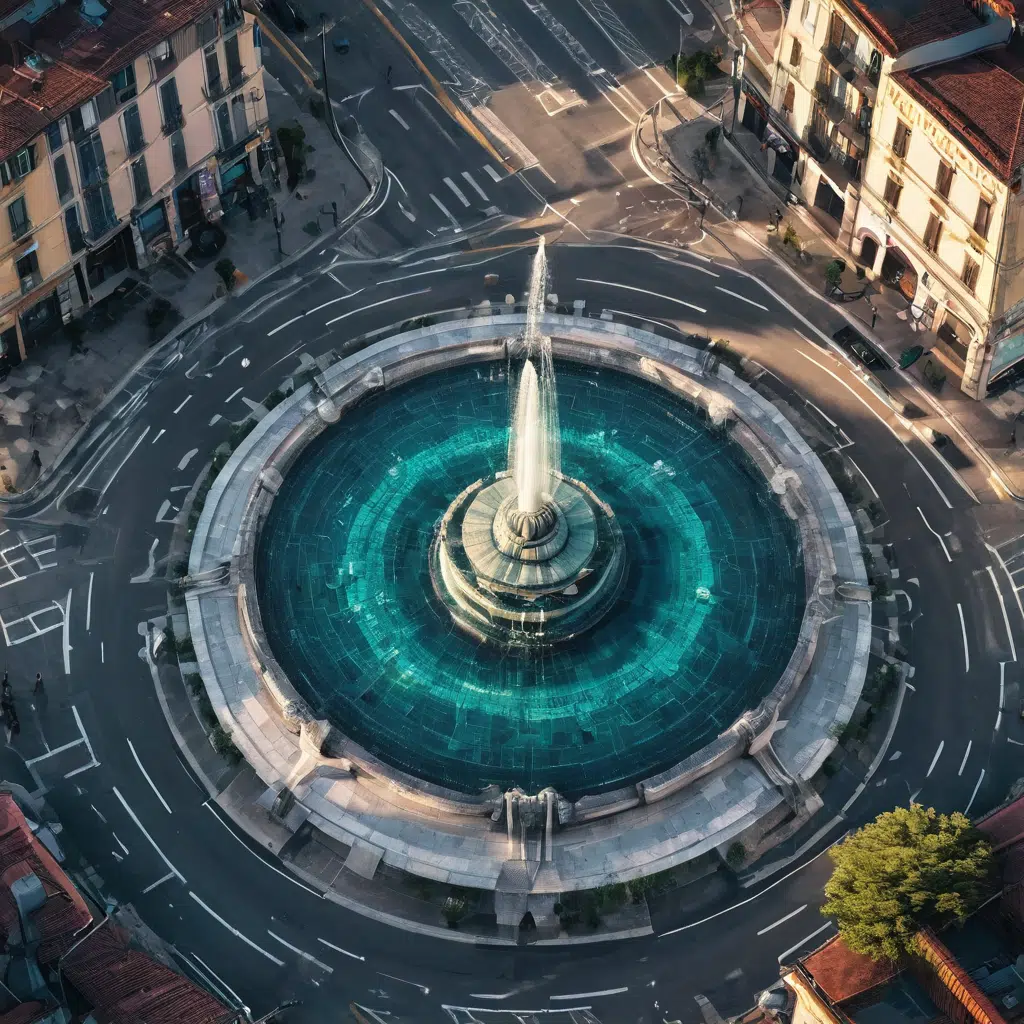
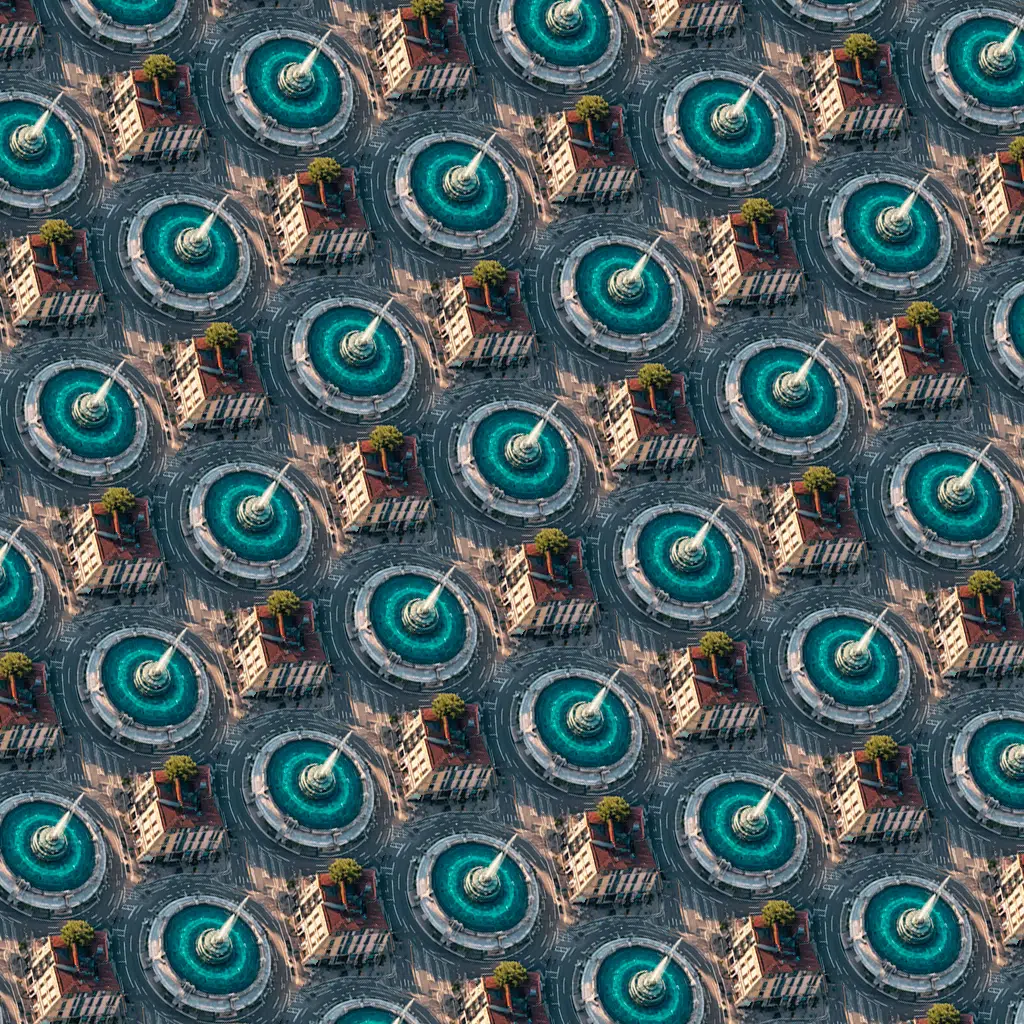
Floral 3D --tileWhere is Waldo? --tileintricate clock machinery --tilecloseup aerial view of a fountain in the middle of Torrence City, dramatical light, cyber style --tileThese prompts generate images that can fit together to create uniform textures. Using such an image in Photoshop produces perfect patterns. The fill angle in Photoshop can be varied, scaled, etc., if we use a “Layer Style” for that purpose. On the left is the generated image and on the right is the mosaic result:
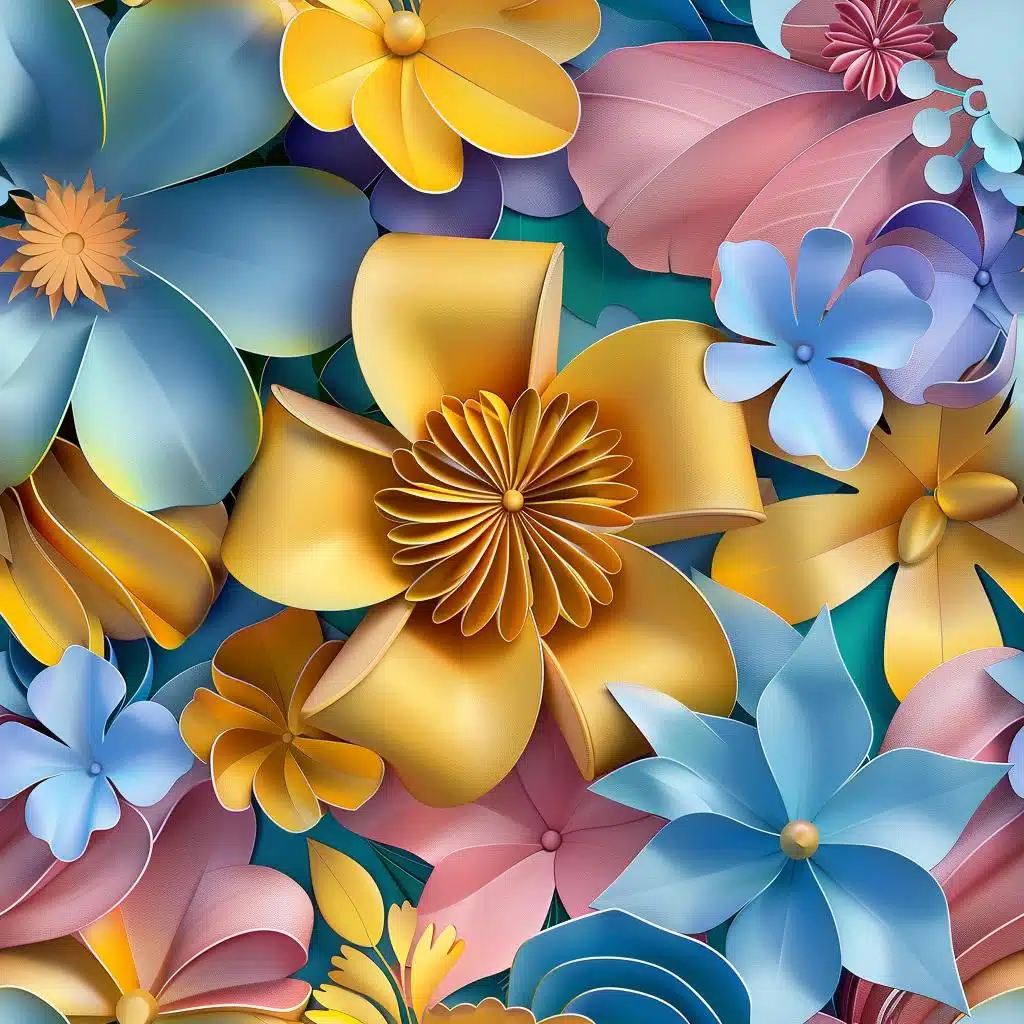
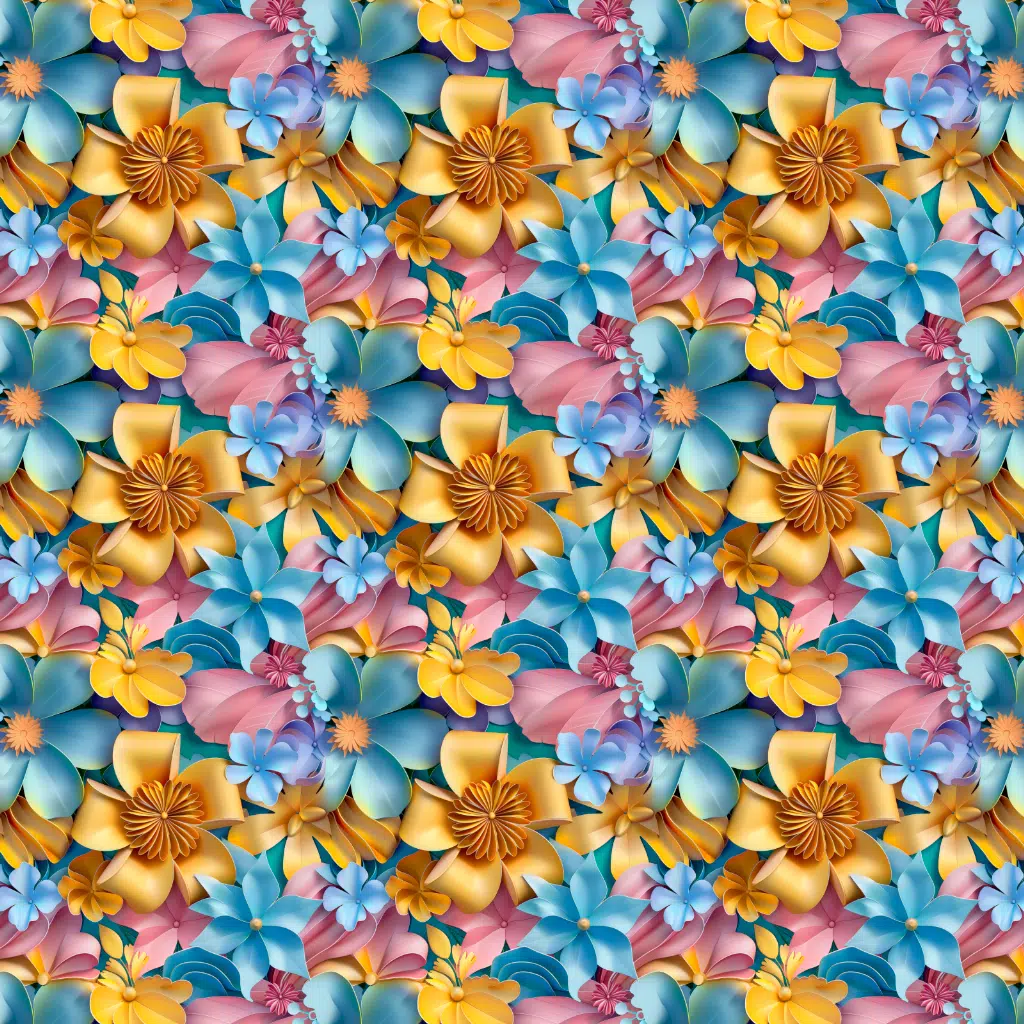
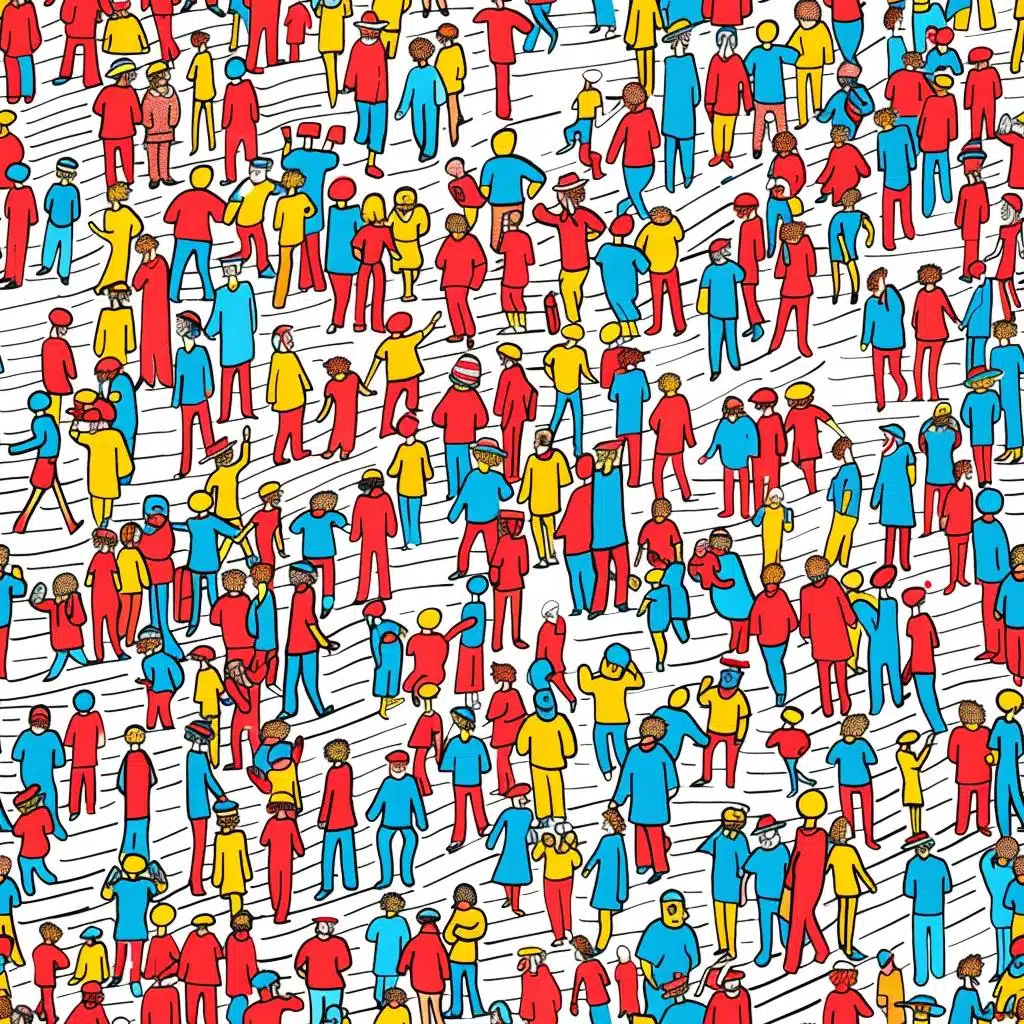
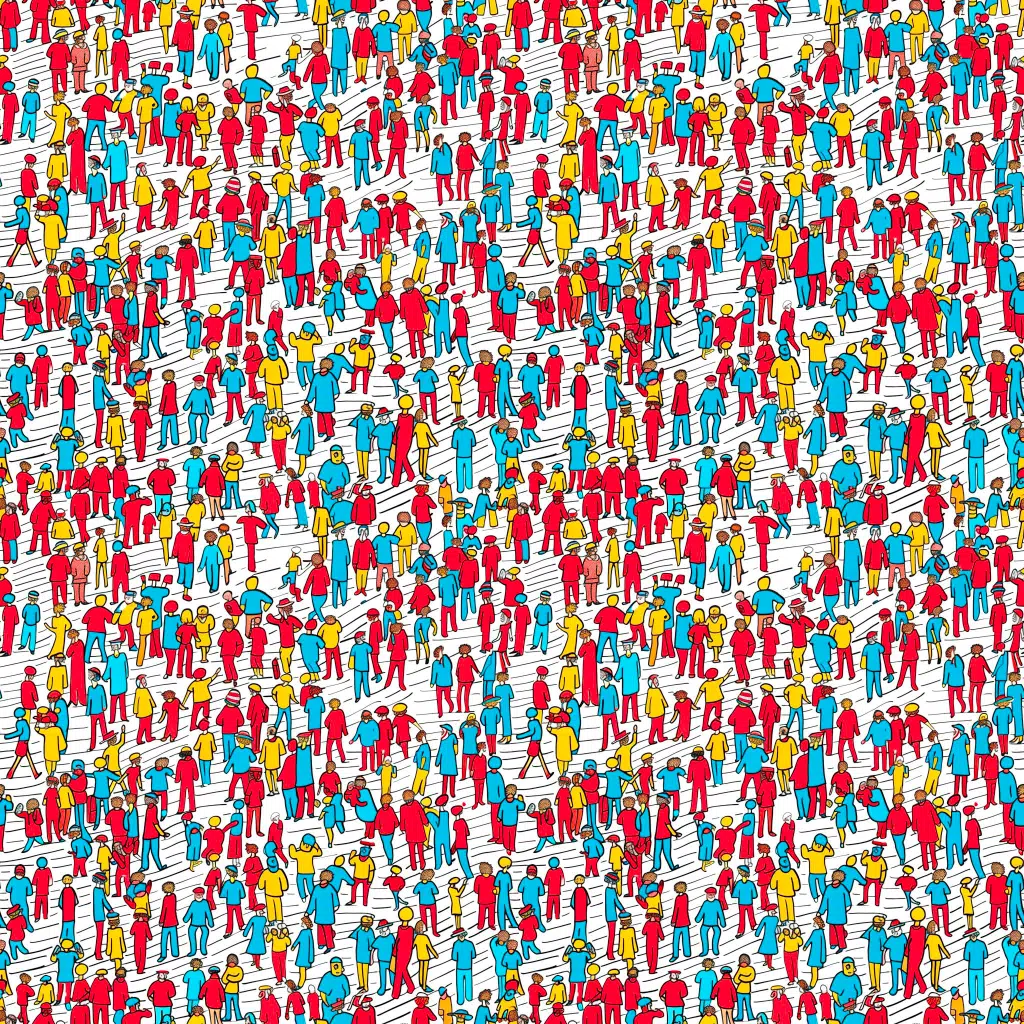
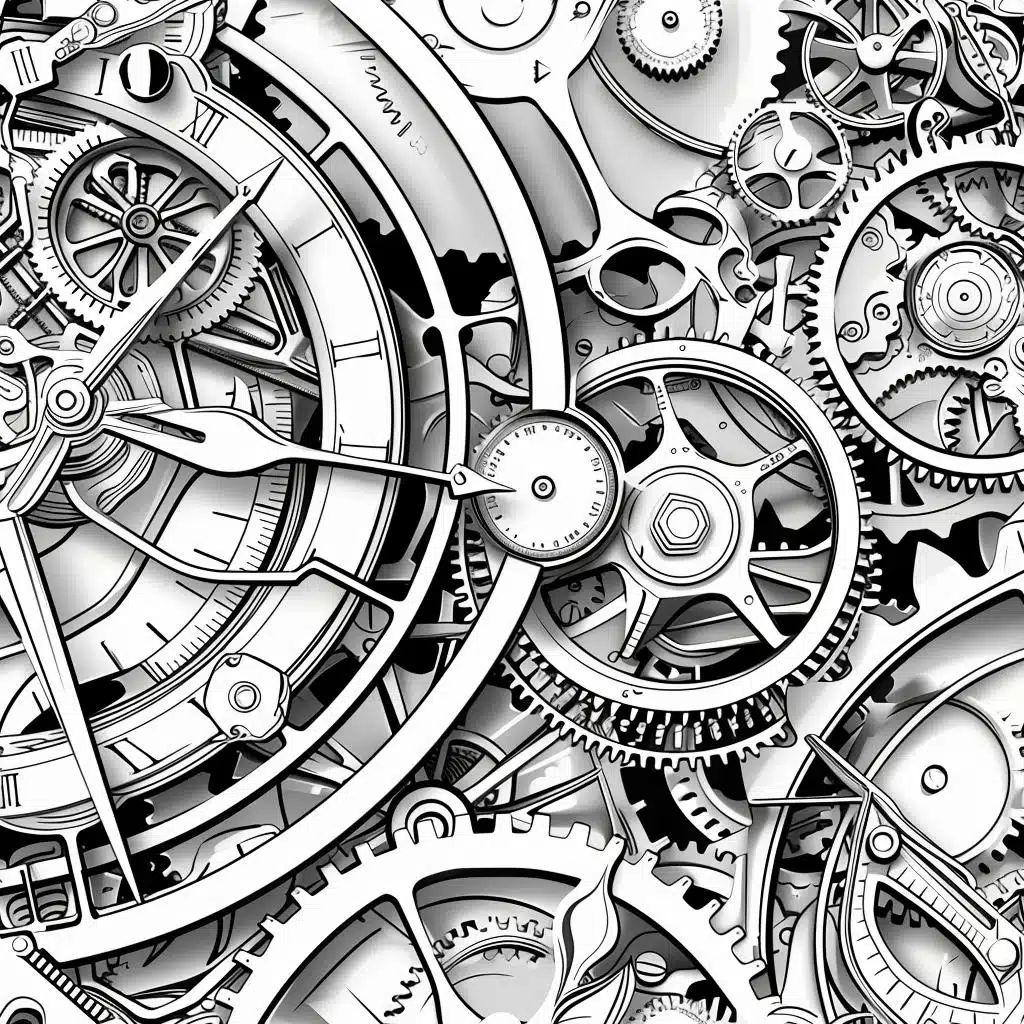
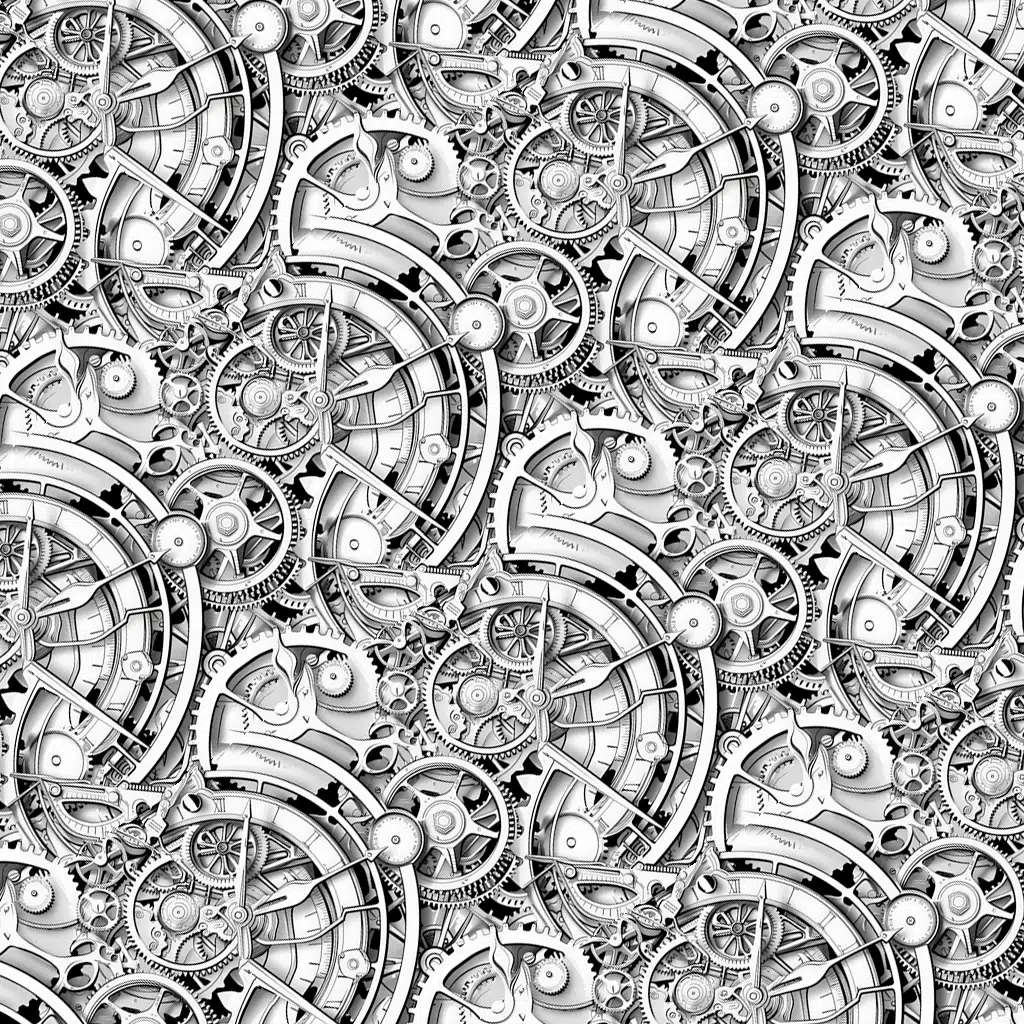
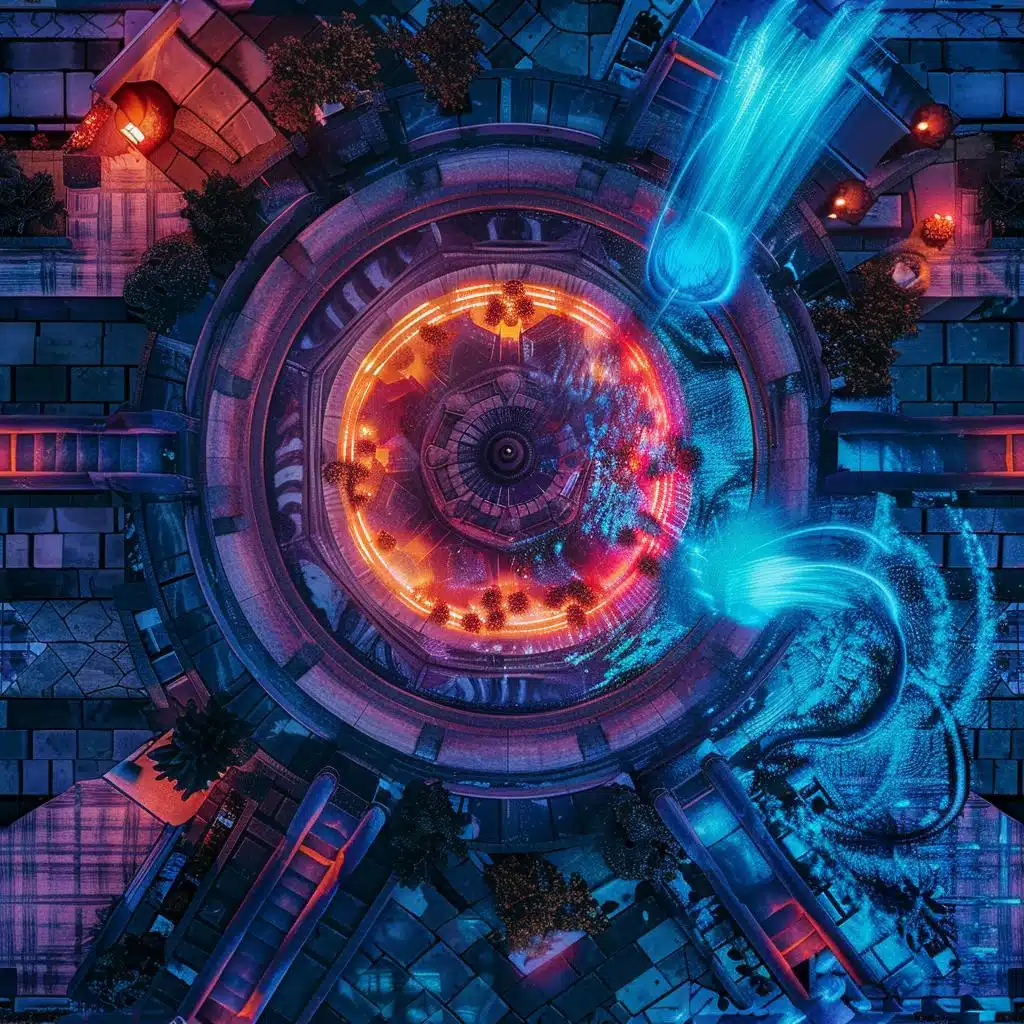
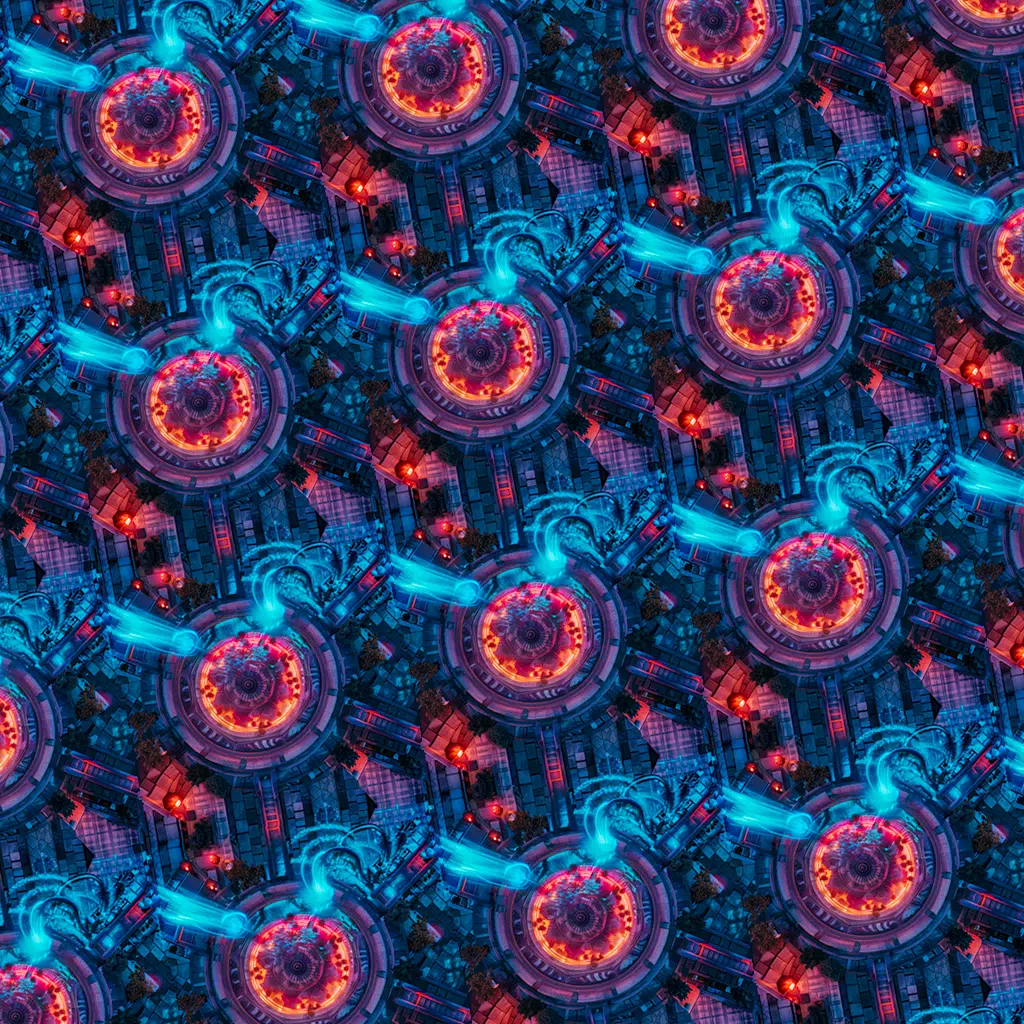
Stable Diffusion can also create tiles for mosaics. This option might be overlooked. In Invoke AI, it is located at the bottom of all available options on the left panel. By using Seamless Tiling parameters along both X and Y axes, you can achieve a virtually imperceptible repetition of the mosaic piece in one or both directions.
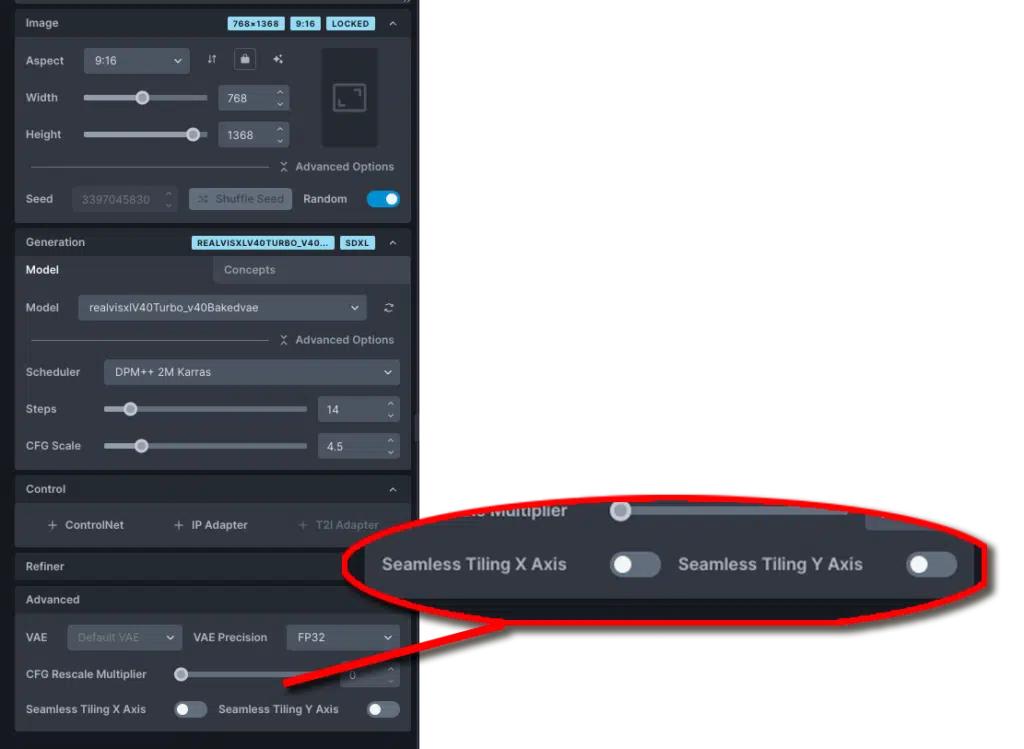
Let’s try some simple prompts similar to the previous example, selecting both Seamless Tiling X Axis and Seamless Tiling Y Axis options in the panel. We remove the “–tile” parameter here since it is specific to MidJourney and not necessary for this step.
Floral 3D Where is Waldo?intricate clock machinery closeup aerial view of a fountain in the middle of Torrence City, dramatical light, cyber style